Katachi
Snap & Build Geometric Art
Snap triangles, squares, and bars together, edge to edge, to create houses, rockets, hearts, and more.
Coming soon to the App Store
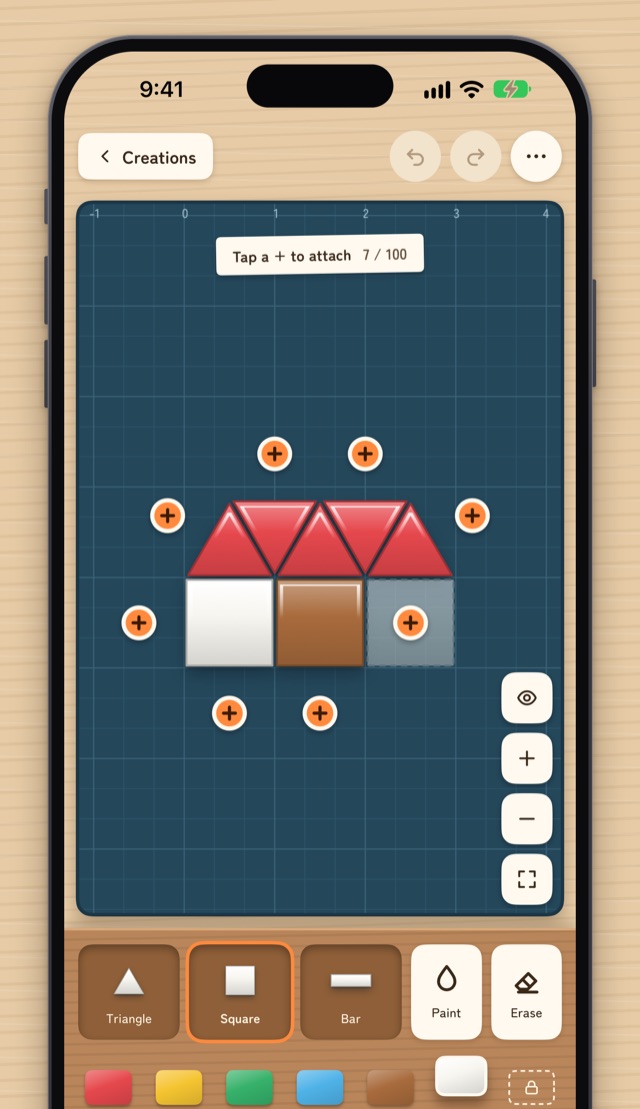
Tap + to Connect
A plus sign (+) shows where you can add a piece. Tap it to snap the piece into place, edge to edge. No fiddly dragging needed. Tap a placed bar to change its orientation.
Pick Up and Rearrange
Touch and hold to move connected pieces as a group. Rotate them in 30° steps, then release near an edge to snap them into place. You can also drag new pieces out of the tray.
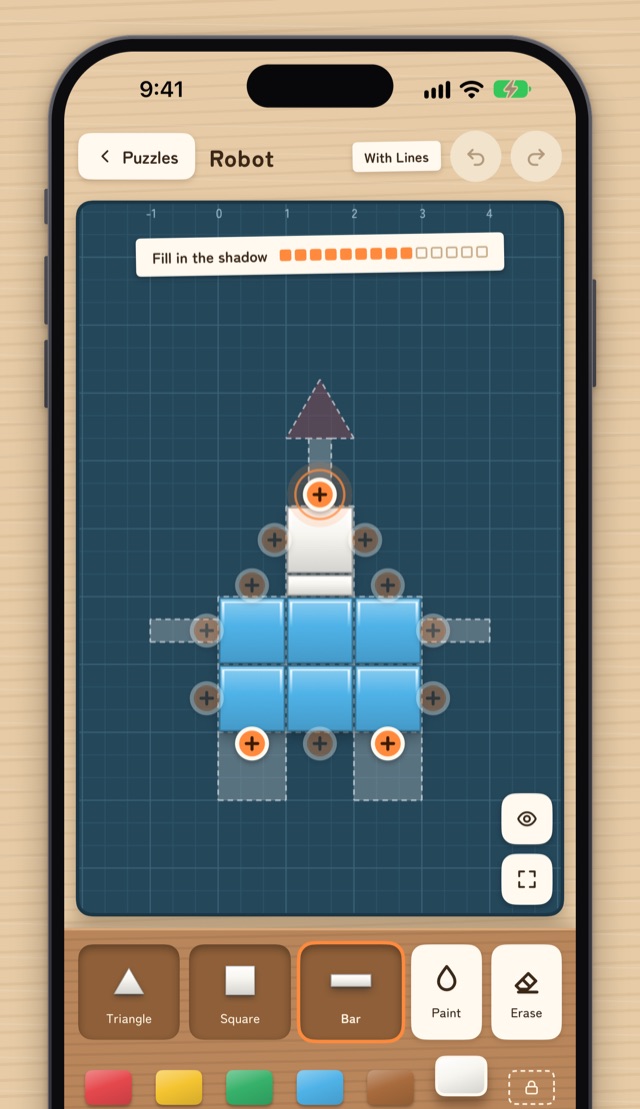
Shadow Puzzles
Fill in a shadow with pieces. Follow the glowing plus sign (+) to finish even your first puzzle. With Lines shows the piece outlines; Shadow Only gives you just the silhouette. All 16 puzzles, including a fish, a house, a rocket, an apple, a robot, a snowman, and a heart, are free.
Auto-Saved
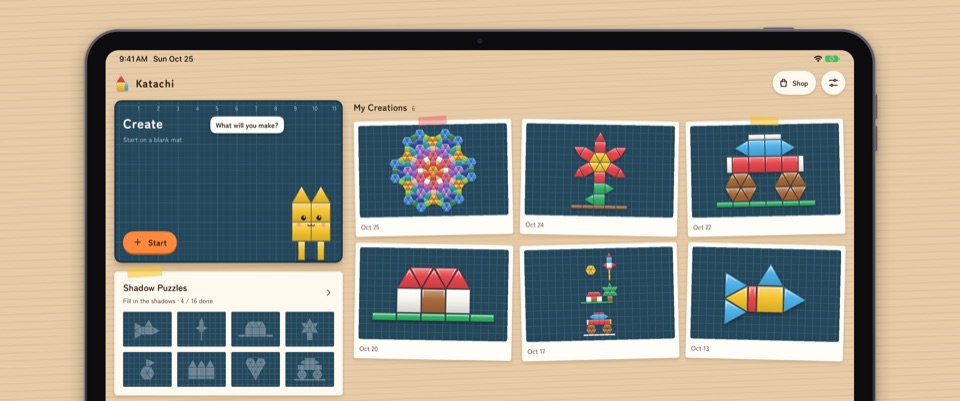
Your creations are saved automatically, so you can pick up where you left off. Save them to Photos as images to share.
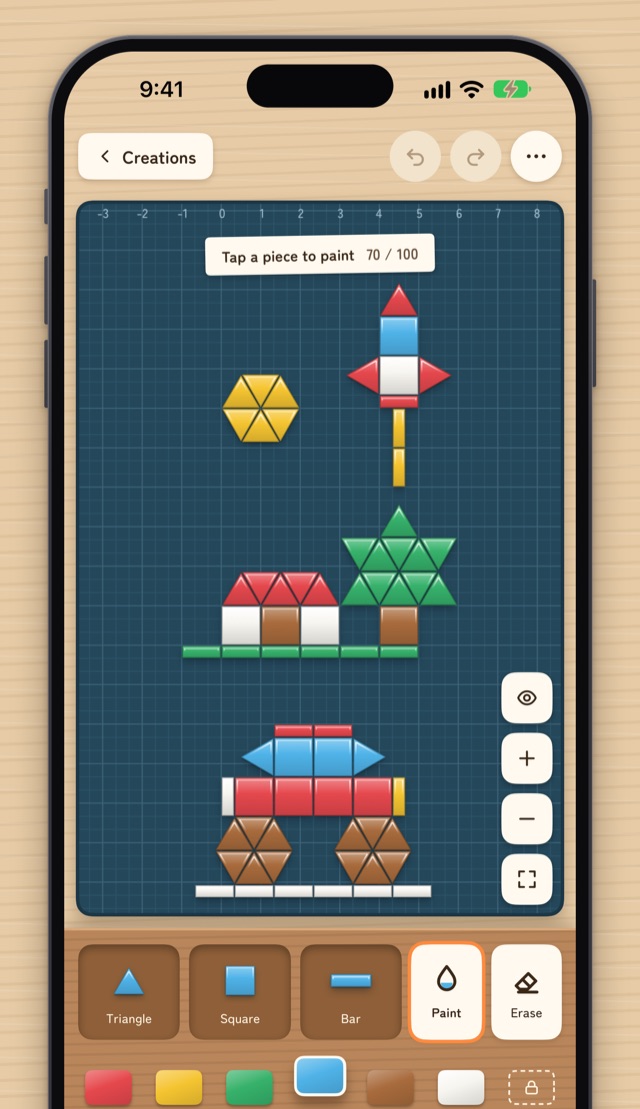
Paint and Take a Closer Look
Paint pieces in 6 colors. Zoom in and out, see your whole creation, undo and redo, or hide the plus signs to see just your creation.
Free and Premium
Free
- 6 colors
- Up to 5 creations
- Up to 100 pieces per creation
- A banner ad at the bottom of the home screen and the puzzle list
Premium(one-time in-app purchase)
- No ads
- 18 colors
- No limits on creations or pieces
Going over a limit never deletes your creations. Use Restore Purchases to get Premium on your other devices. Premium supports Family Sharing.
- No sign-in or account needed. Your creations are stored only on your device.
- Available in English and Japanese.